01
Fast
A small native app with a Rust backend, not a browser in a costume. Pages are rendered on their own thread and cached, so scrolling a long document stays smooth and the window never freezes while a page draws.

PDF reader · Windows
A fast, fully offline PDF reader for Windows. It opens a document and gets out of the way: no account, no upload, and nothing running in the background. Your files are read and drawn on your own machine by PDFium, the engine inside Chrome.
01 What it does
01
A small native app with a Rust backend, not a browser in a costume. Pages are rendered on their own thread and cached, so scrolling a long document stays smooth and the window never freezes while a page draws.
02
Everything happens on your computer. There is no account to create, no document is uploaded, and the app has no analytics or tracking code. It works the same with the network unplugged.
03
One continuous column of pages with an exact scrollbar, a page box that jumps straight to a number, and the document's own outline in a sidebar. Fit width, fit page, true size, and zoom from 25% to 600%.
04
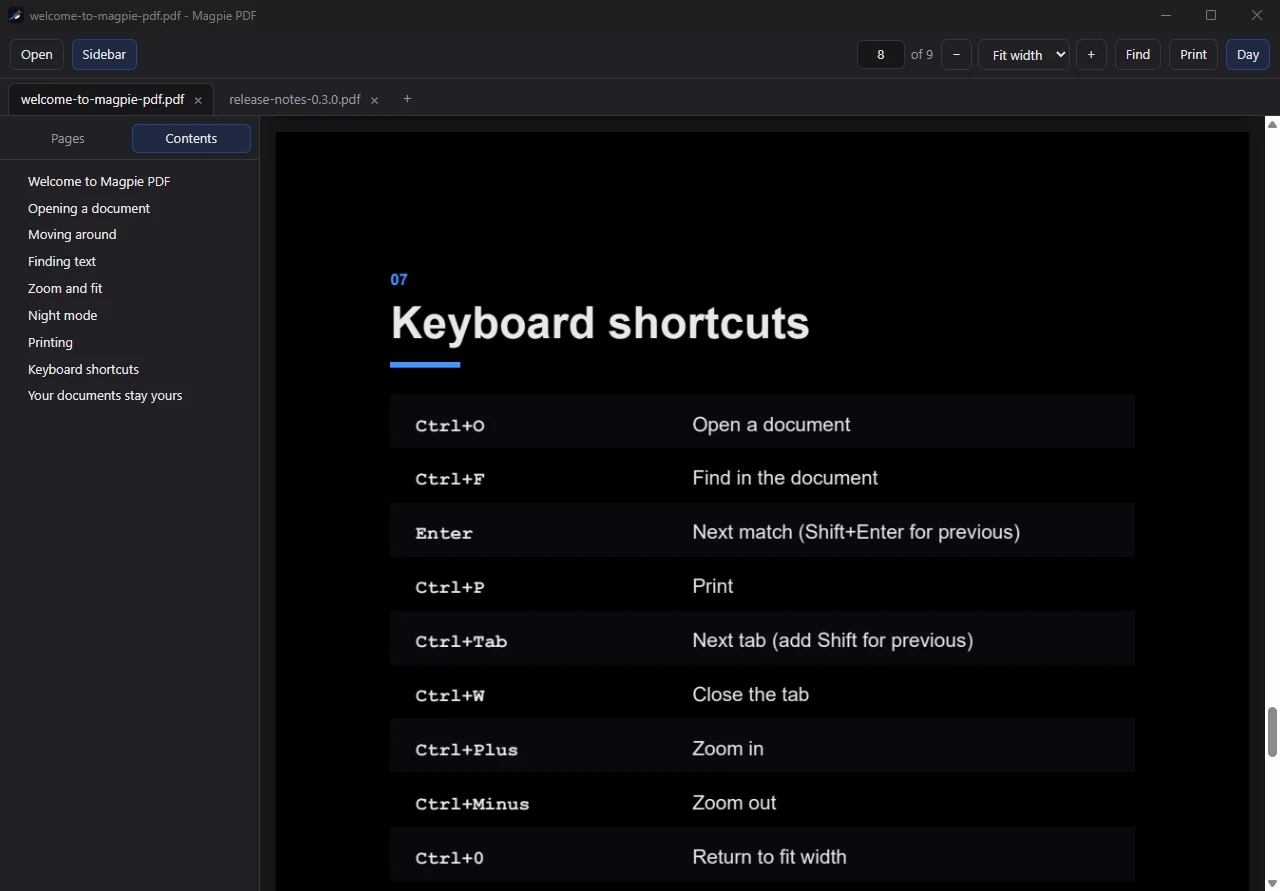
One button turns a white page into light text on a dark background for reading in a dim room. It changes only what you see; the file itself is never modified.
02 See it

03 Download
This is an early preview. The reader works, and it is free. It is also not finished: search inside a document, tabs, and printing are not built yet, so keep your current reader installed for those.
Windows will warn you the first time. The preview is not code signed yet, so SmartScreen shows a blue "Windows protected your PC" box when you run the installer. That box appears for any new app from a developer Windows has not seen before. To continue:
You can check the file first: its SHA-256 is listed below, and Get-FileHash in PowerShell will print the same value for an untouched download. Installing adds Magpie PDF to the "Open with" list for PDF files; it does not change your default reader unless you choose it.
04 What is next
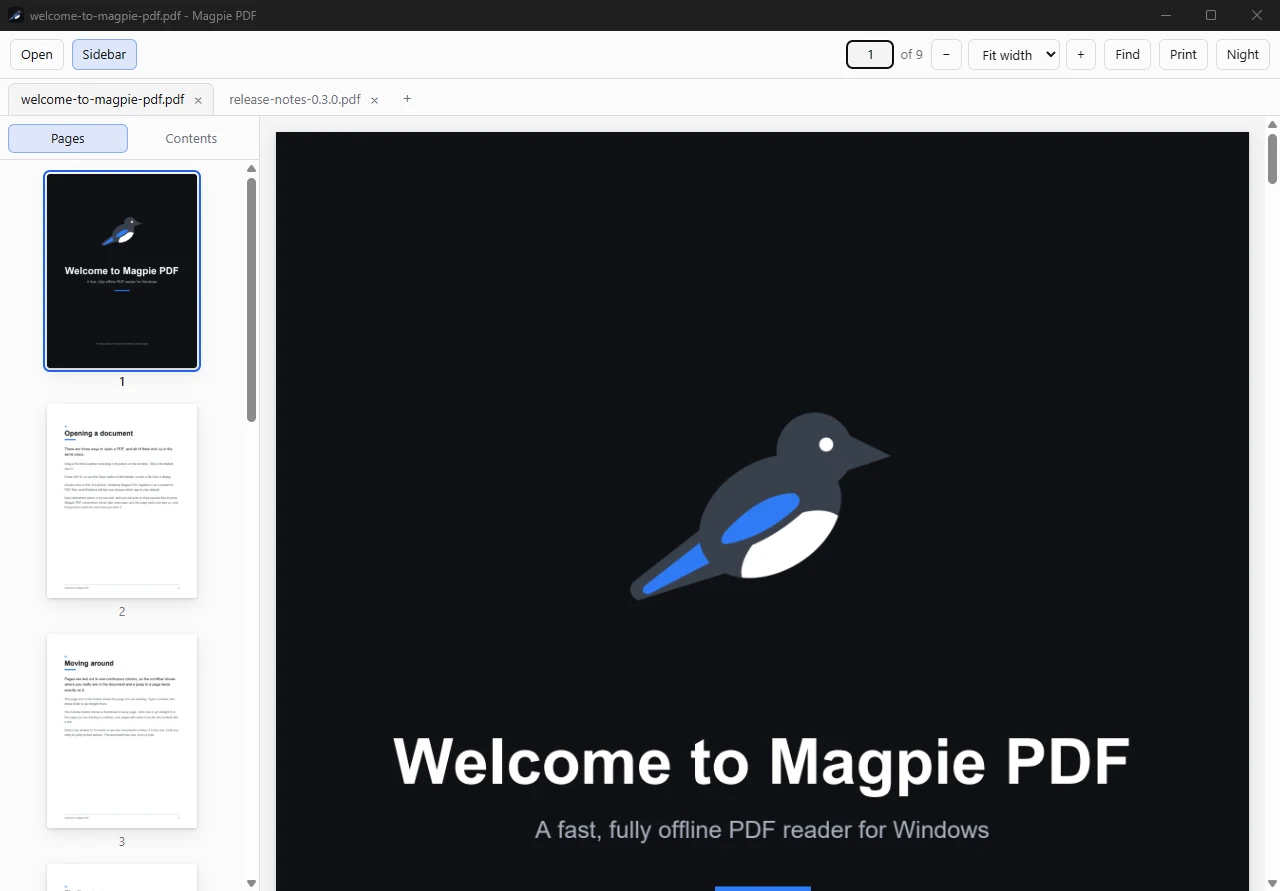
Open by drag and drop, by Ctrl+O, or by double clicking a file. Continuous scroll, page jump, document outline, fit and zoom modes, night mode, and keyboard shortcuts for all of it.
Search inside a document, several documents open in tabs with the session restored on launch, a thumbnail sidebar, and printing. These are what stand between a preview and a daily reader.
Merge, split, OCR, and redact, done on your machine instead of on a website you have to trust with the file. The reader stays free. The tools are planned as a single purchase, with no subscription.
Found a bug, or a PDF it will not open? Email austin@austinwilkins.dev. Magpie PDF uses PDFium, which is distributed under a BSD style license; a copy is installed with the app.